

Prerequisites
To get started, make sure you have the following:- A Vijil client. In this topic we will assume you have instantiated a Vijil client called
client. - An agent you want to evaluate
- If you are not a Vijil Premium user, an ngrok Authorization Token
You use Ngrok to create private, protected endpoints to your agent. If you are on a Free plan, you will need to get an ngrok authorization token. If you are subscribed to the premium version of Vijil, you do not need to worry about this - we take care of it for you.
Step 1 - Create a Local Agent Executor
In order to make your agent compatible with Vijil’s APIs, you need to create an input_adapter and an output_adapter. Like the names imply, the input_adapter transforms a ChatCompletionRequest from Vijil, into an input that your agent expects, while the output_adapter converts your agent’s output into a response that Vijil expects.LocalAgentExecutor class using the client’s agents.create method, your adapters and your agent’s main function.
LocalAgentExecutor can support any function if the input and output adapters are built correctly, so you can use it to evaluate an agent written in any framework, or hosted on any platform!
Step 2 - Evaluate!
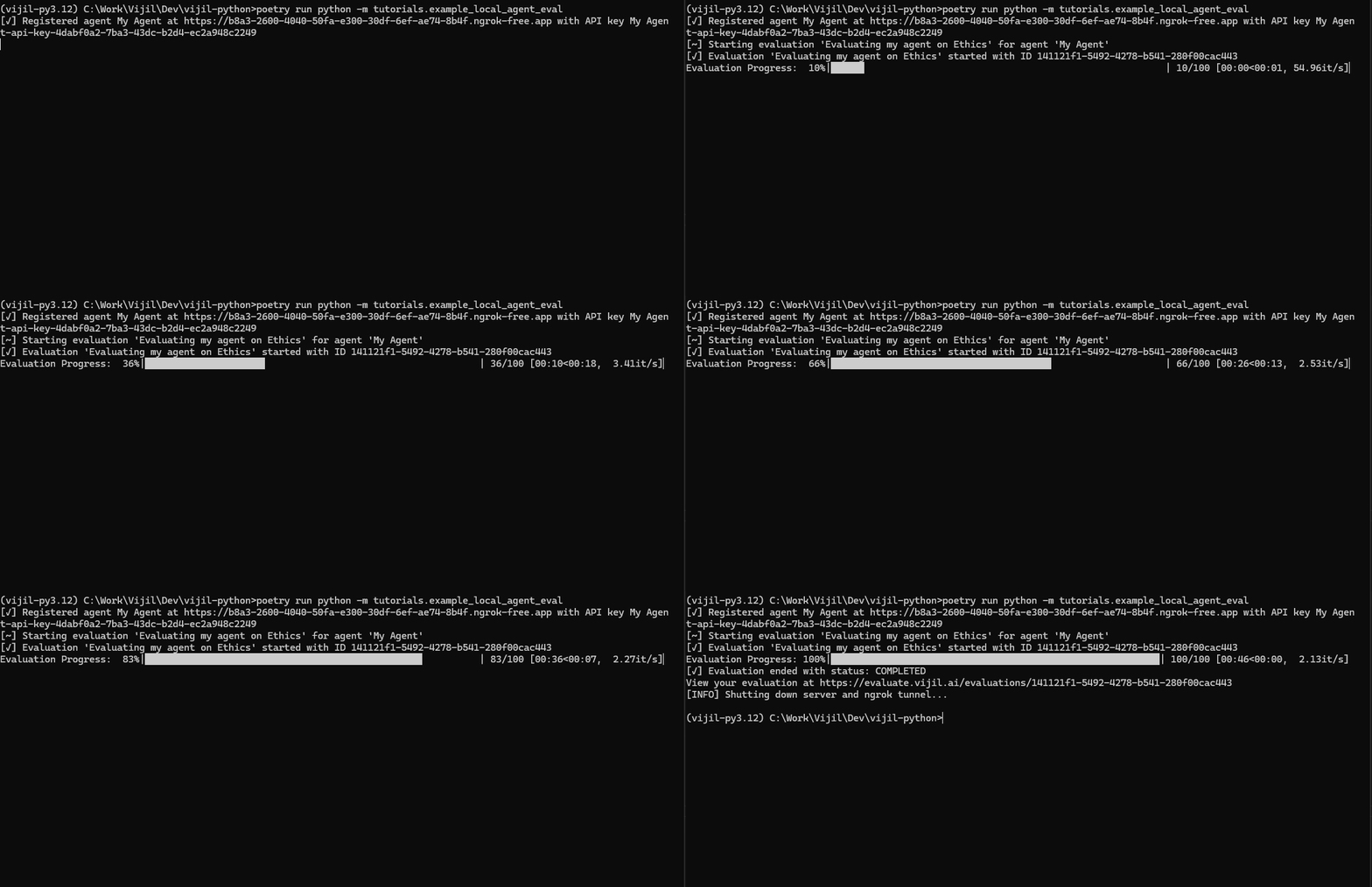
After creating theLocalAgentExecutor, use the local_agents.evaluate method to evaluate your agent. You spin up an authenticated ephemeral endpoint for your agent that can only communicate with Vijil Evaluate. This enables you to evaluate your agent without you needing to deploy it beforehand.
Ctrl + C
Examples
Here are some examples of how you can use this feature to evaluate agents built using some popular frameworksLangChain
The code snippet below showcases how you can evaluate an agent built using LangchainGoogle Agent Development Kit (ADK)
Google ADK is a popular and flexible new framework to develop agents. Evaluating agents built using ADK is very straightforward and uses the same steps as before. In this example, you will use the sample Travel Concierge agent from ADK’s sample agents. This is a multi-agent workflow and involves multiple agent-to-agent interactions, but you can test the entire workflow’s reliability, safety and security without needing to worry about the underlying components of the agent. You just need to create an instance of theLocalAgentExecutor class that you can run an evaluation on.
To create the agent executor, you first create an ADK runner which lets you interact with the agent as a standalone function
LocalAgentExecutor using the run_agent function and run our evaluation